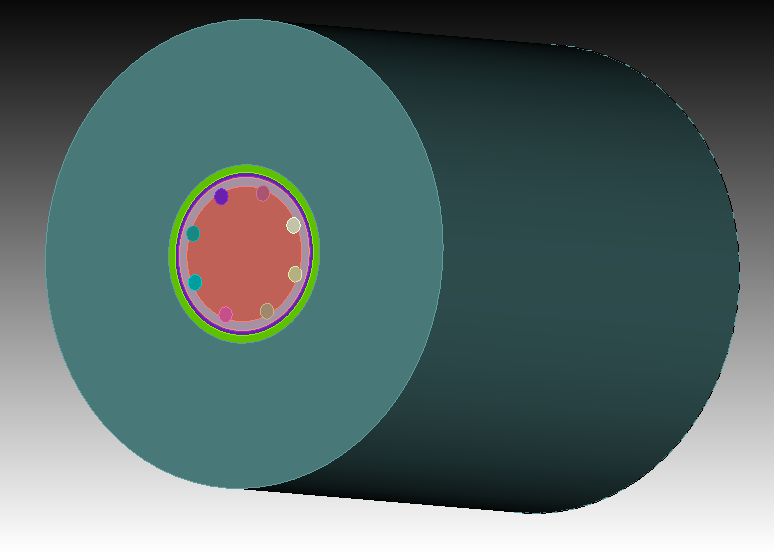
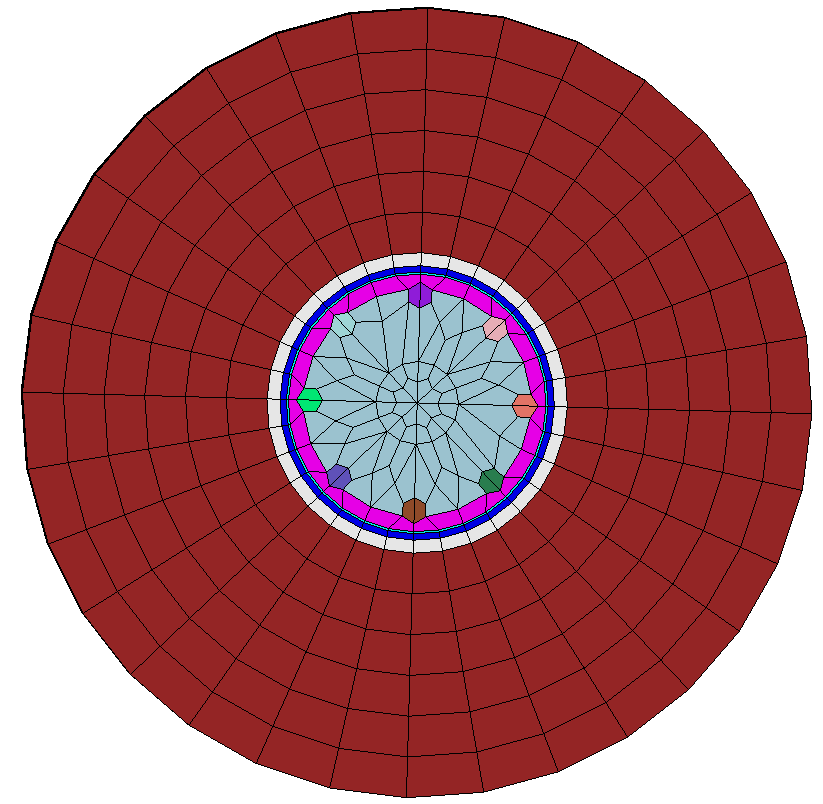
Hello, all. I am a beginner to the Coreform Cubit and I am trying to create a mesh of this reactor model with wedges cause the tetmesh will create too many elements
openmc.jou (22.3 KB)
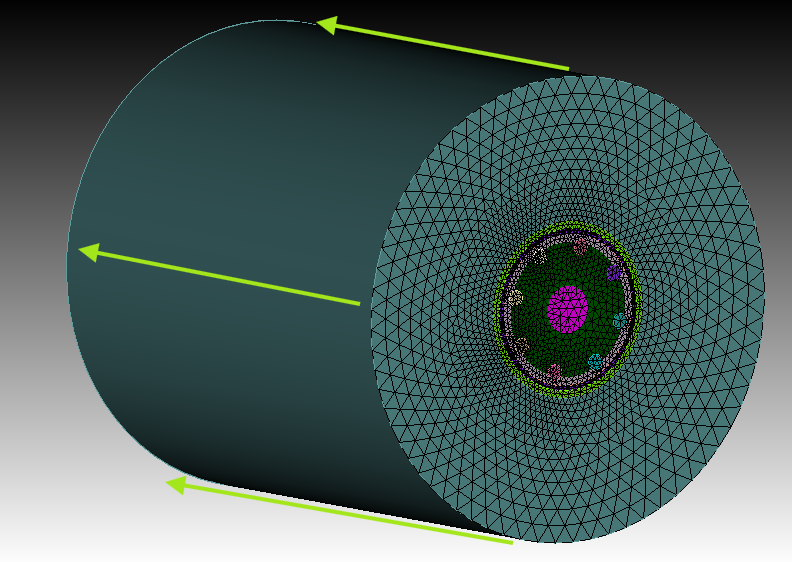
I thought I just need to mesh the bottom surface to trimesh, then map all the side surfaces to map
and then mesh all volumes and then finished.
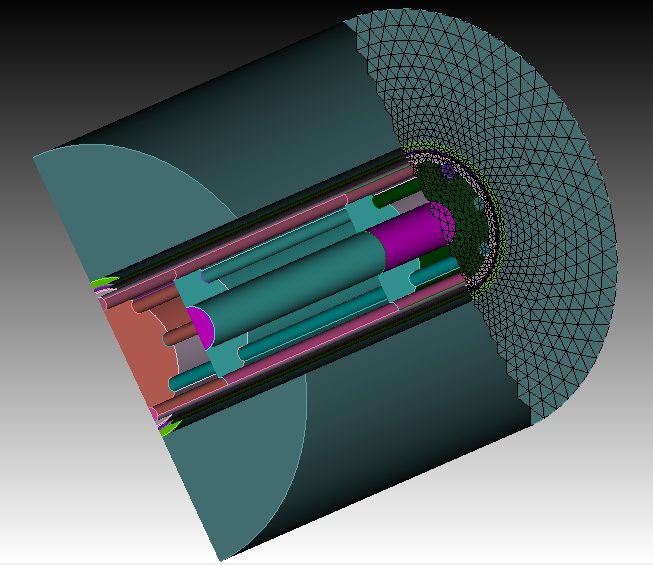
However, I was wrong, it seems that, I guess, due to the inner complex structure, some of the side surfaces can’t be meshed to map,
and maybe also due to the bottom surface is not symmetrical to the other side (you may notice that there is a red circle in the meshed surface while the other side surface not).
I also tried to mesh the volumes with sweep, but it failed too. So could anyone tell me some ways to accomplish this issue?
Thanks a lot in advance!
Hi @Mechaos,
you would still need to decompose the geometry here so that the mesh schemes can work proberly.
A few webcuts would already be good enough. After the webcuts don’t forget to imprint and merge. The merge could be undone later if you don’t want a connected mesh between the volumes. Also i assign all your volumes to a block, this way the exported element sets are not decomposed.
compress
#!python
vids=cubit.parse_cubit_list("volume","all")
i=1
for vid in vids:
 cubit.cmd(f"block {i} add volume {vid}")
 i=i+1

#!cubit
webcut volume all with sheet extended from surface 11
webcut volume all with sheet extended from surface 4
webcut volume all with sheet extended from surface 14
webcut volume all with plane xplane rotate 0 about z
webcut volume all with plane xplane rotate 45 about z
webcut volume all with plane xplane rotate 90 about z
webcut volume all with plane xplane rotate 135 about z

imprint vol all
merge vol all

Surface 621 1796 1790 1336 873 1539 1544 1086 scheme trimesh
Surface 621 1796 1790 1336 873 1539 1544 1086 size 0.8
mesh surface 621, 873, 1086, 1336, 1539, 1544, 1790, 1796

#select surface all with z_coord=0
Surface 426 432 434 440 621 641 650 660 670 680 701 704 710 712 718 873 893 905 915 925 935 955 1086 1107 1117 1127 1137 1147 1166 1170 1176 1178 1184 1336 1352 1364 1374 1384 1394 1414 1539 1544 1556 1563 1568 1572 1578 1582 1588 1592 1598 1602 1618 1622 1626 1632 1634 1640 1790 1796 1808 1816 1819 1825 1829 1835 1839 1845 1849 1855 1870 1874 scheme trimesh
mesh Surface 426 432 434 440 621 641 650 660 670 680 701 704 710 712 718 873 893 905 915 925 935 955 1086 1107 1117 1127 1137 1147 1166 1170 1176 1178 1184 1336 1352 1364 1374 1384 1394 1414 1539 1544 1556 1563 1568 1572 1578 1582 1588 1592 1598 1602 1618 1622 1626 1632 1634 1640 1790 1796 1808 1816 1819 1825 1829 1835 1839 1845 1849 1855 1870 1874

vol all size 2
mesh vol all with z_coord<10
mesh vol all with z_coord<30
mesh vol all

draw block all
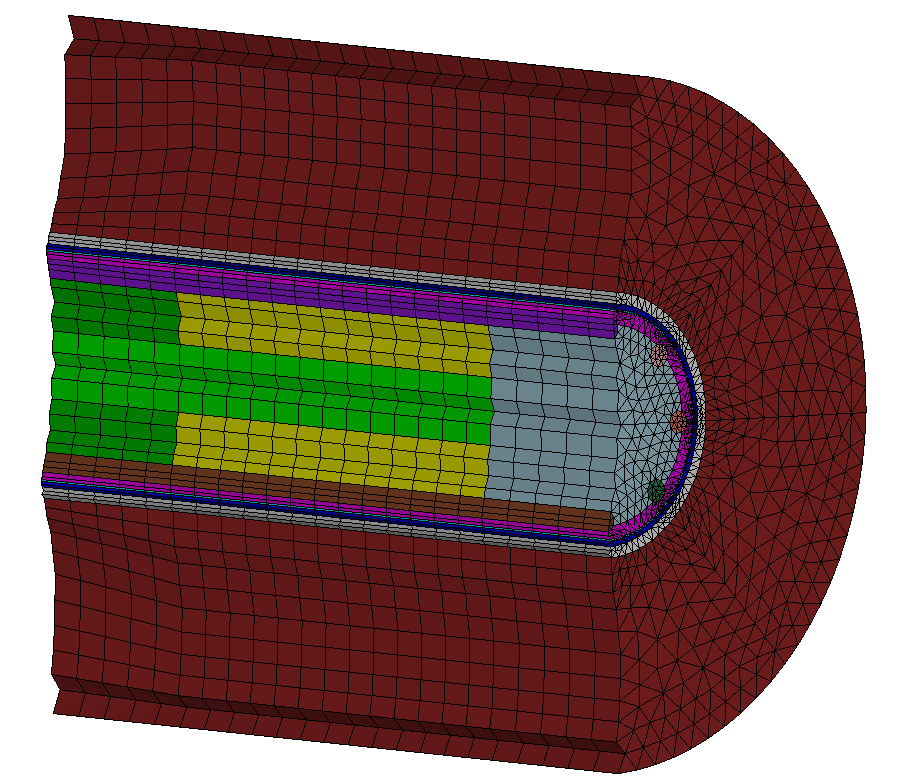
But you could also go for hexes if you decompose this way.
compress
#!python
vids=cubit.parse_cubit_list("volume","all")
i=1
for vid in vids:
 cubit.cmd(f"block {i} add volume {vid}")
 i=i+1

#!cubit
webcut volume all with sheet extended from surface 11
webcut volume all with sheet extended from surface 4
webcut volume all with sheet extended from surface 14
webcut volume all with plane xplane rotate 0 about z
webcut volume all with plane xplane rotate 45 about z
webcut volume all with plane xplane rotate 90 about z
webcut volume all with plane xplane rotate 135 about z

imprint vol all
merge vol all

mesh vol all

draw block all
1 Like
Wow, thank you so much, @Norbert_Hofbauer , really appreciate your help!