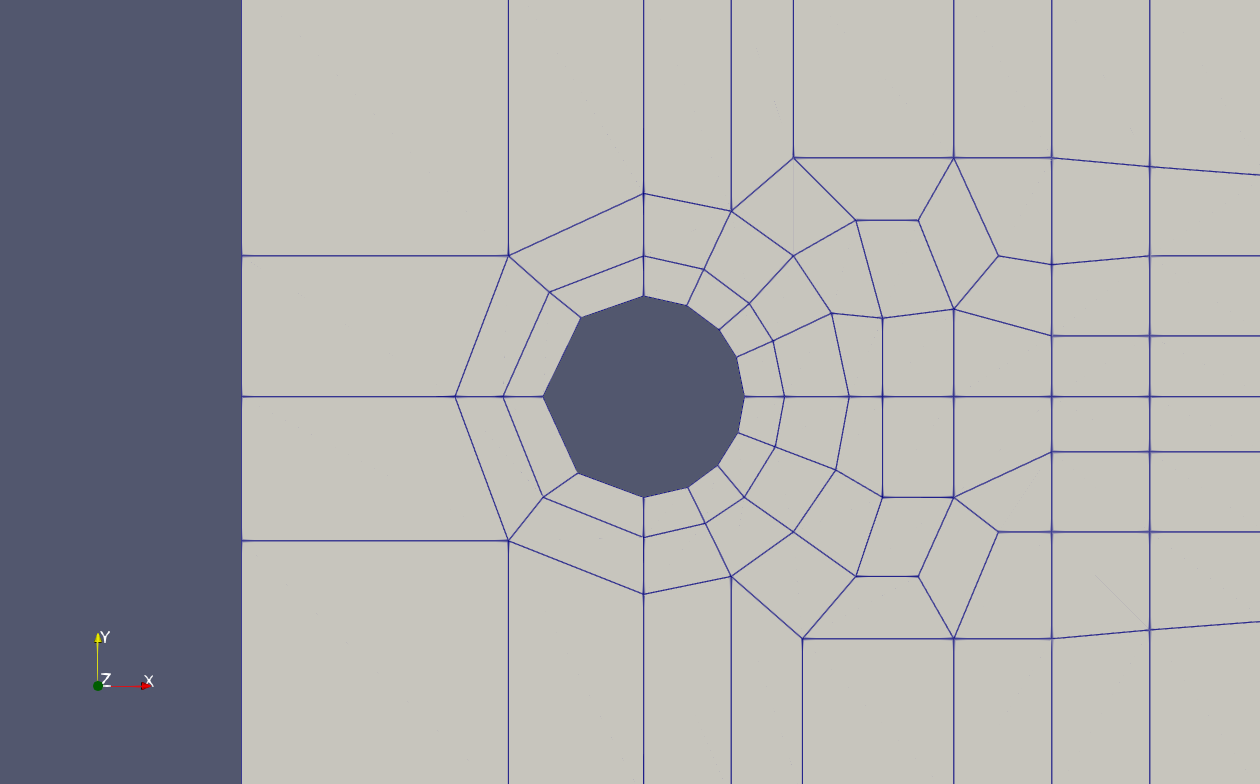
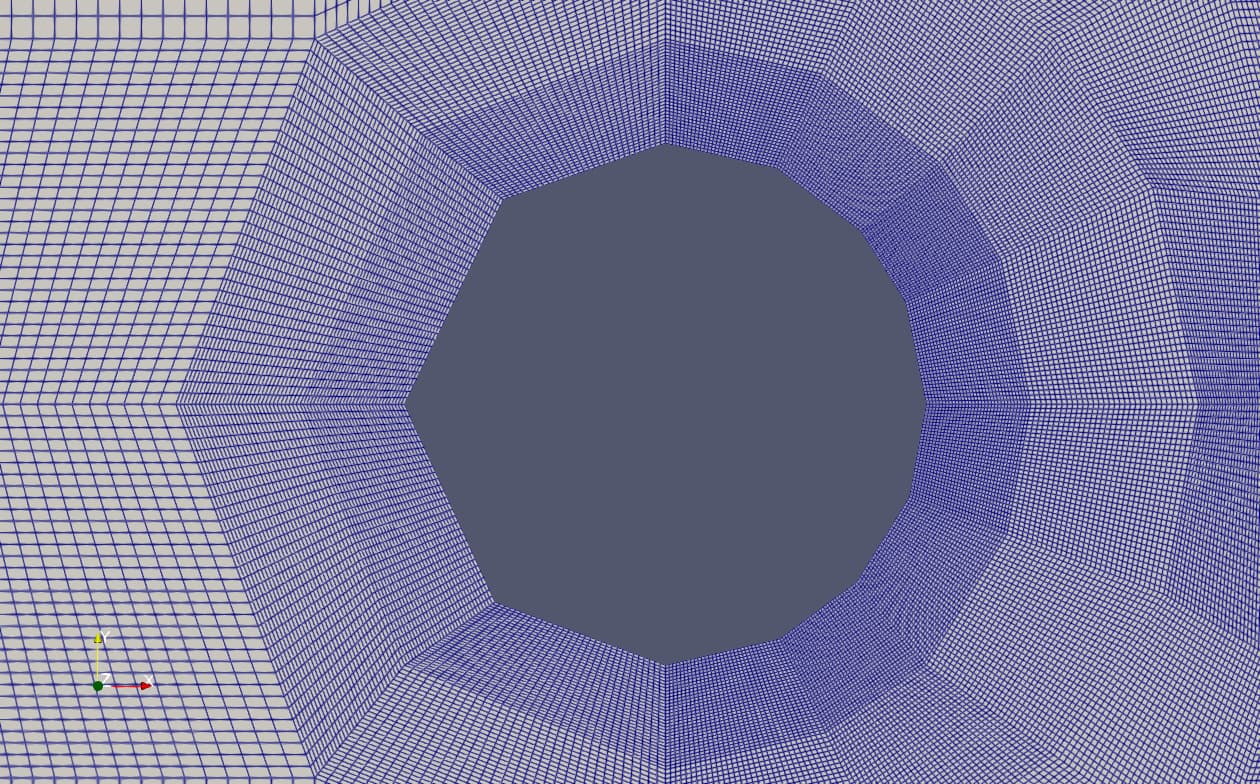
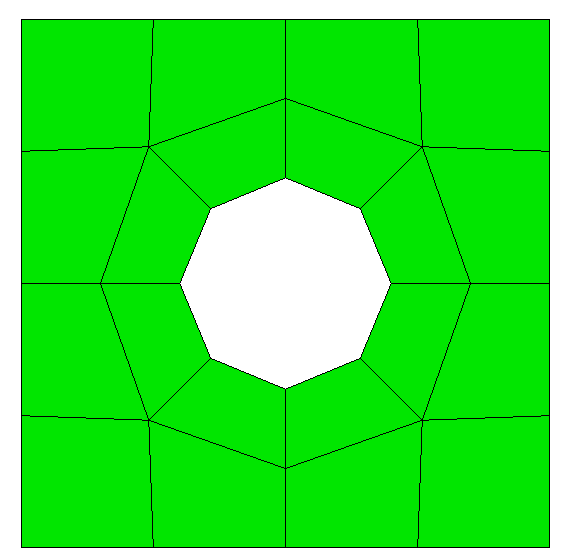
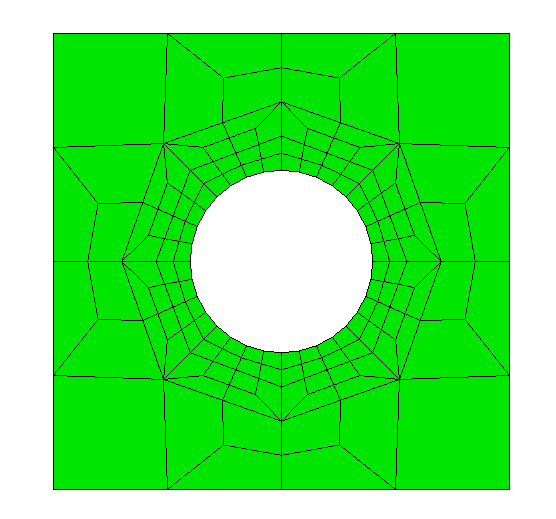
I created the following mesh in Cubit. The course mesh represent a benchmark mesh. In the benchmark reference, refinements of the mesh converge the interior nodes to a near perfect cylindrical shape. As seen from my refinements of the mesh, the basic initial interior circle-like shape remains not circular.
Is there a way in cubit to influence the refined mesh nodes to populate at the same radial distance from the center of the circle?
Hi @tdoggwise,
can you please share the .cub5 or the journal for your mesh creation.
Are you using linear or quadratic elements here?
I’m using QUAD4 elements.
Are you doing the refinement step in Coreform Cubit or within the solver?
I have had to use some coding in the solver system to refine the mesh. I would like to be able refine it in Cubit to make it more cylindrical with each refinement.
If you got the geometry in Cubit, then the refinement will get more cylindrical.
How are you currently creating your mesh?
#!cubit
reset
create surface rectangle width 1 zplane
webcut body 1 with cylinder radius 0.2 axis z
delete body 2
webcut body all with plane xplane offset 0
webcut body all with plane yplane offset 0

merge body all

surface all size 1
surface all scheme polyhedron
mesh surface all
draw face all color green

refine curve 18 22 27 25  numsplit 2 bias 1.0 depth 1
draw face all color green