Issue
Hello!
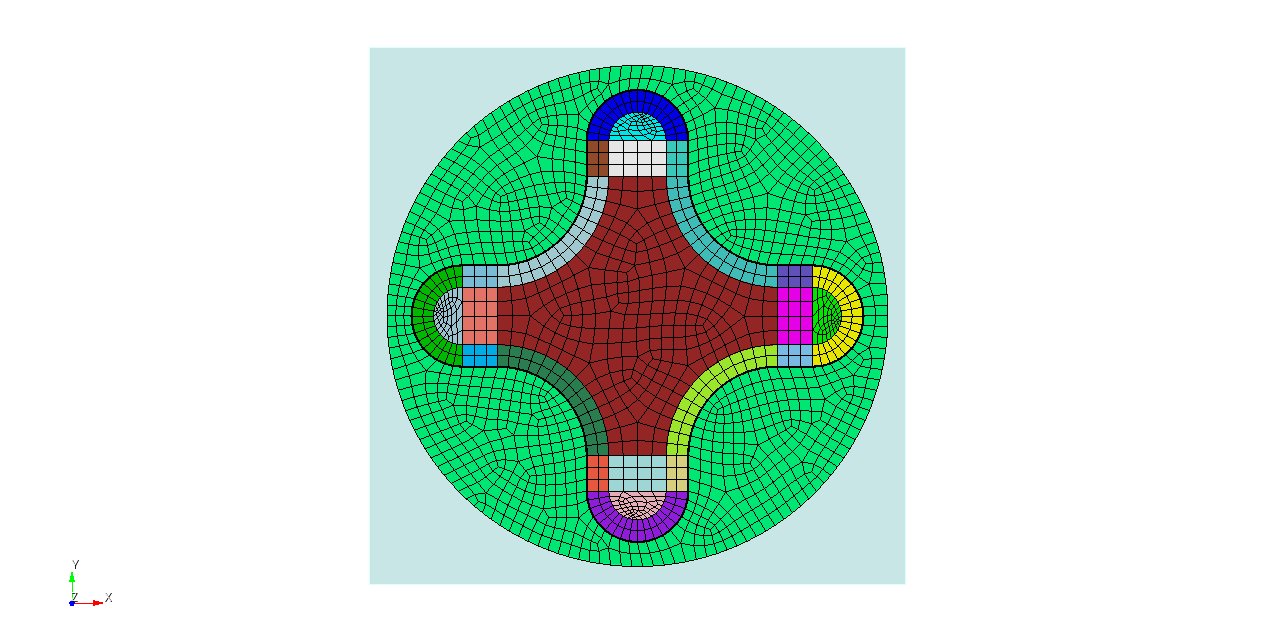
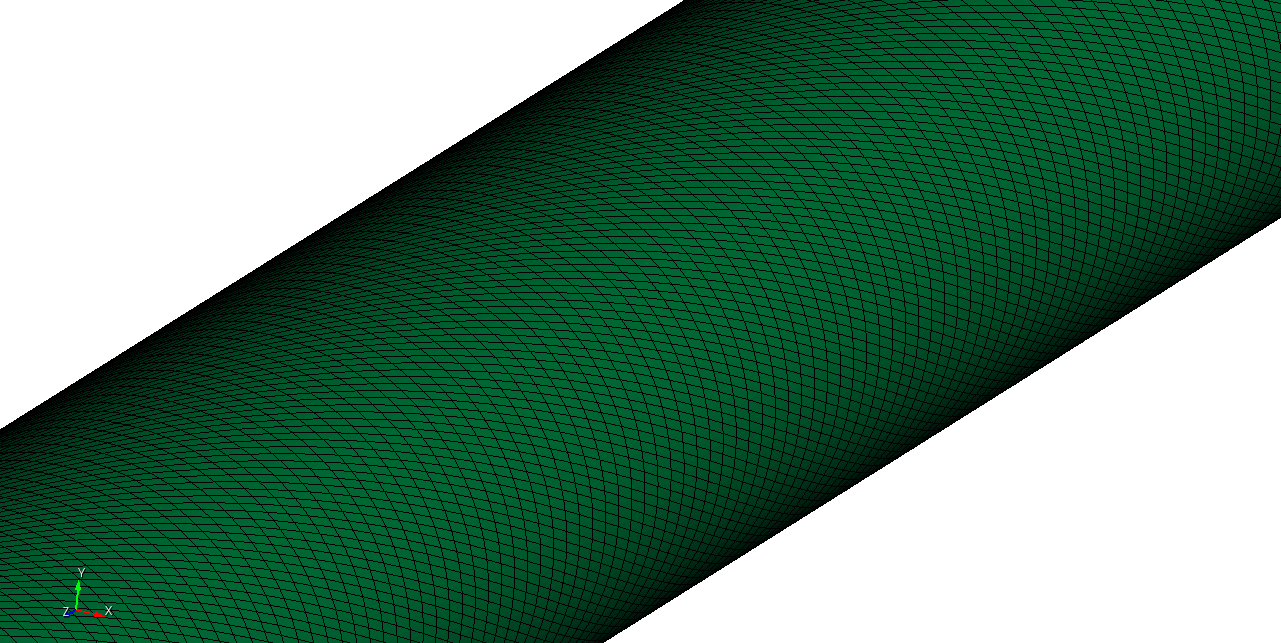
The helical cruciform fuel rod file I have currently generated is as shown in the ZIP file below. I have read some mesh generation cases mentioned earlier in this community and referred to some of their methods. The mesh of this file is currently helical. According to the requirements of my case, I need to add a rectangular cuboid outer frame to this file, and finally make the water domain into a rectangular cuboid. However, after the current production is completed, a mesh with extremely poor quality has appeared.
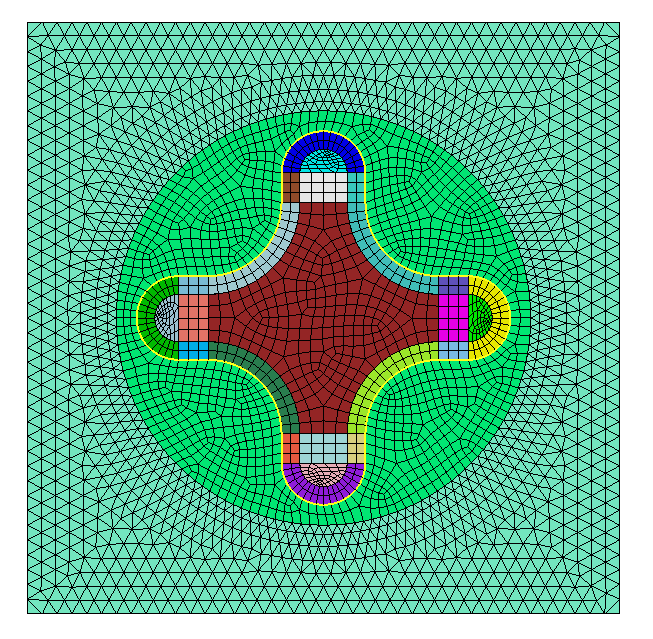
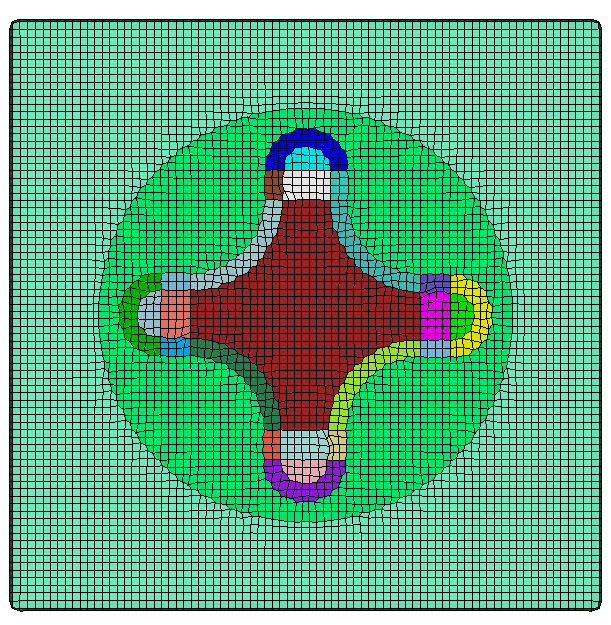
Next, the tasks I plan to perform are as shown in the figure below.
Then how can I generate a mesh for this rectangular cuboid water domain without 180-degree twist? After using OpenFOAM’s checkMesh, it prompts that there is 180-degree mesh twist. I consider a twist angle below 70 degrees to be reasonable, and a twist angle of 180 degrees will affect the CFD results.
By the way, I have already tried the smooth function, and it doesn’t seem to work in my case.
Or you could use sculpt. Unfortunately it produces some negative jacobians with the default settings. So you would need to try different mesh sizes and settings.
reset
open "cubitQuestion.cub5"

create brick x 20 y 20 z 120
split body 4 8 10 14 18

subtract vol 14 from vol 27 keep_tool
split body 20
delete vol 28

imprint vol 14 29
merge vol 14 29

delete mesh
sculpt vol all size 0.25
draw block all
Thank you very much for your reply!
Before receiving your response, I had tried various mesh sizes and generation schemes, including sweep and pave. I also attempted merging the cylindrical volume with the brick into a single volume before Hex mesh generation, but this only shifted the problematic mesh regions from the brick boundaries to the interface between my cylindrical water domain and the solid domain.
I have read your reply in detail and carefully, and I believe the first scheme should be adopted—using tetrahedral mesh generation in the brick region to make the mesh fit the spiral surface as closely as possible. Only in this way can the performance of my physical model in CFD simulations be accurately reflected.
Thank you again for your patient and detailed response!