There is a command you can run in Cubit’s command line:
graphics tolerance angle <degrees>
The “factory default” value for <degrees> is 15 degrees.
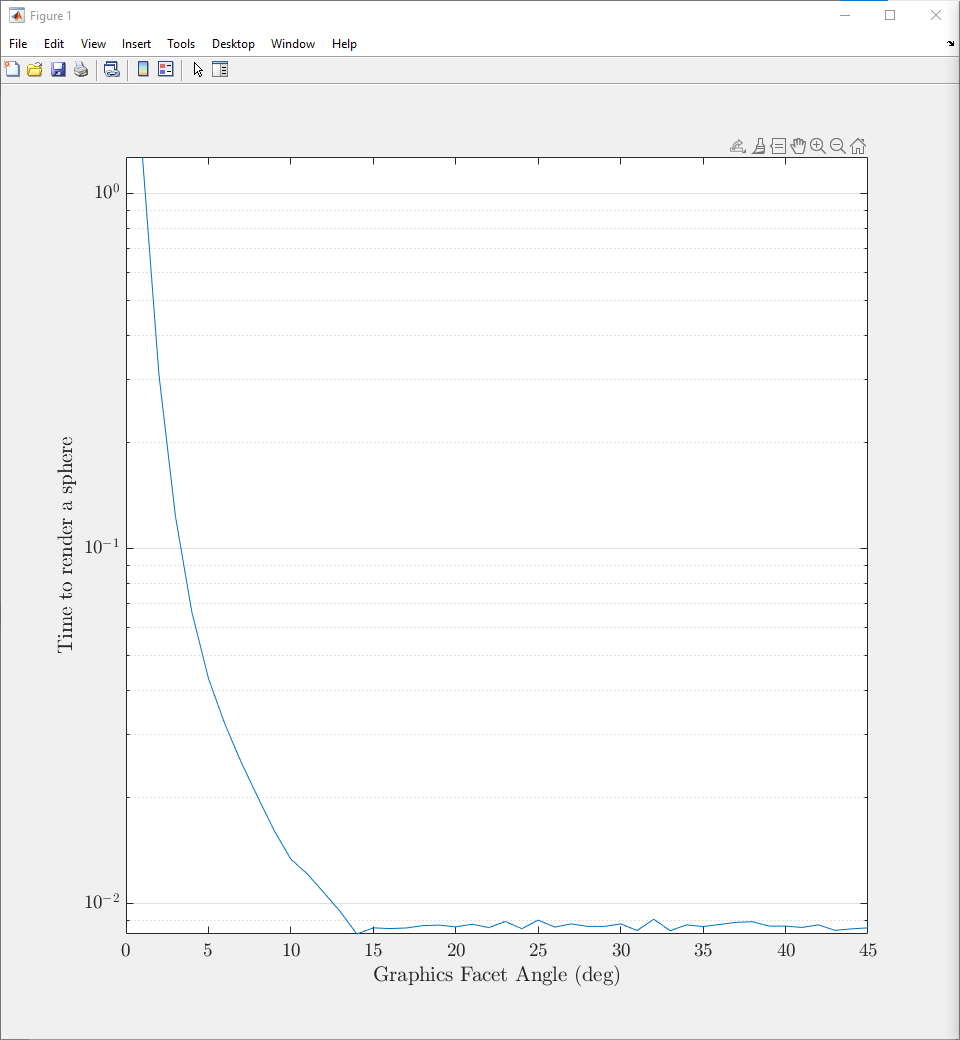
Note that 15 degrees is the “factory default” because it is roughly the smallest angle that doesn’t see degraded rendering speed. Rendering times increase dramatically as you decrease from 15 degrees to 1 degree… see plot (time in seconds). The rendering time makes all of your geometry operations (e.g. webcuts) take longer as they render as a final step.
What I’ll often do is flip between a fine resolution and the default resolution:
graphics tolerance angle 1
#  Move around my model for visual inspection, then when satisfied...
graphics tolerance angle 15
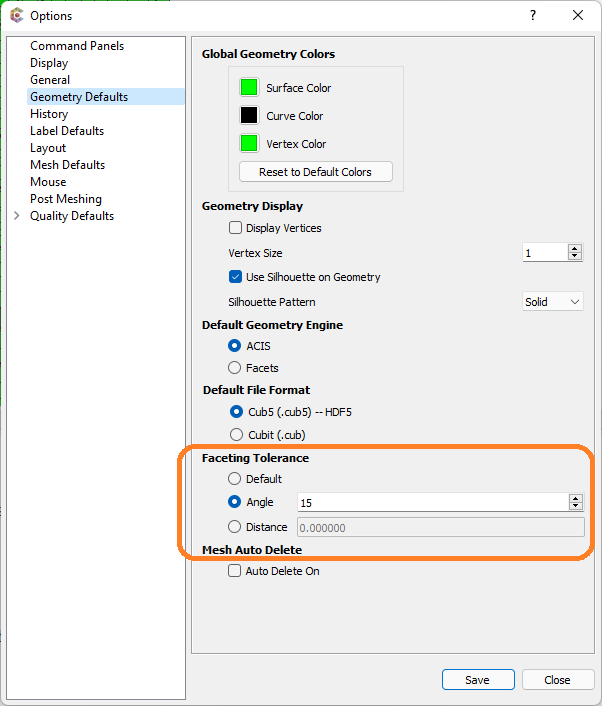
You can also find this in the Tools -> Options -> Geometry Defaults -> Facteting Tolerance GUI dialog: