Hello,
I’m currently trying to implement a mesh refinement procedure for a tetrahedral mesh based on the mesh refinement tools detailed here: Mesh Refinement — Coreform Cubit Help. However, I’m running into some issues where the element numbers between Cubit files and Exodus files I’m exporting within the same session are inconsistent.
Here is my current procedure:
- Save the Cubit file and Exodus file for the initial mesh
- Load the mesh info from the exodus file into my codebase, solve the underlying problem in my codebase, perform an error estimate, and select a set of elements to refine based on that estimate.
- Load the Cubit file back into cubit, refine those elements, compress the element numbers, and export new Exodus and Cubit files.
The problem that I’m having is that I need both the Exodus and Cubit files so that I can load mesh information into my code and retain the geometry information, but I have found that the element numbers are inconsistent between the two.
microstrip_coarse.cub5 (433.1 KB)
microstrip_coarse.e (443.4 KB)
cubit03.jou (438 Bytes)
I’ve attached some files above to show an example of this. I start with the initial mesh microstrip_coarse.e with Cubit file microstrip_coarse.cub5, which appear to have matching numbers as far as I can tell. I then run my code, which is followed by the Cubit refinement process (with commands in cubit03.jou).
microstrip_coarse_1.e (144.7 KB)
microstrip_coarse_1.cub5 (417.0 KB)
cubit04.jou (444 Bytes)
This outputs microstrip_coarse_1.cub5 and microstrip_coarse_1.e, which I’ve included above. I then repeat the same process, for which the cubit steps are again provided in cubit04.jou.
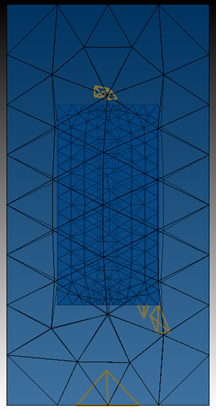
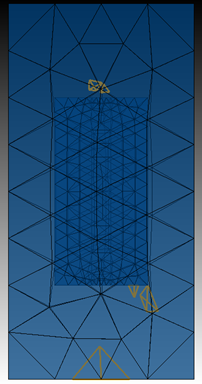
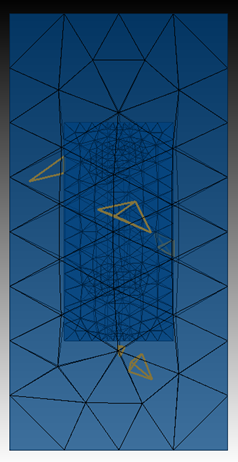
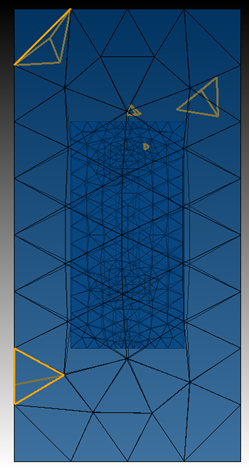
In this case though, I find that I wind up refining the wrong elements. If I load microstrip_coarse_1.e into Cubit and select tets 419 294 600 542 295 206 (all the ones I want to refine), I see the following:
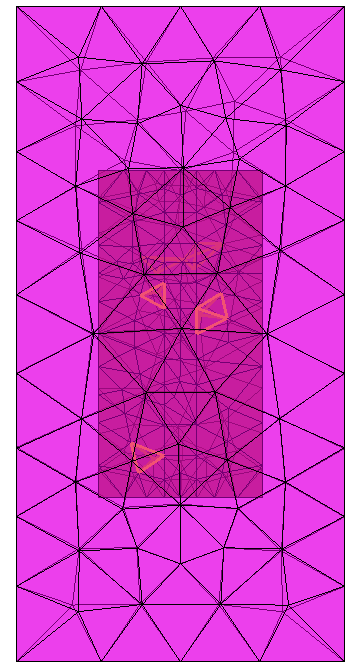
However, if I load microstrip_coarse_1.cub5 file in and select the same tets, I get a completely different set:
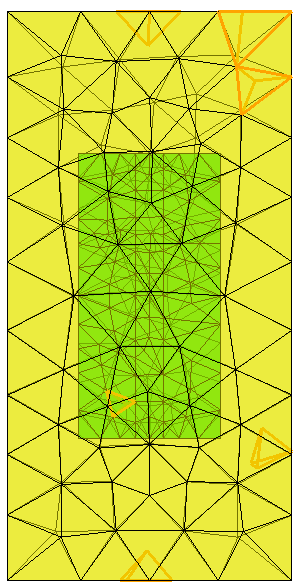
This is clearly not the same set of tets, but I don’t understand why it would be different. Is there some command I need to be using to prevent this behavior? Or is there a way I could modify my process to avoid it altogether? I tried using exodus files exclusively, but it produced issues on more complicated geometries since the meshed-based geometry doesn’t accurately represent the curved features of the actual geometry.
Thanks in advance for your help, and please let me know if any additional information is needed.