Hi,
I’m new in Cubit (but not in hex meshing with another tolls). In parallel I’m following the tutorials, and in parallel, I’m performing tests to dig into Cubit capabilities, using GUI and command mode.
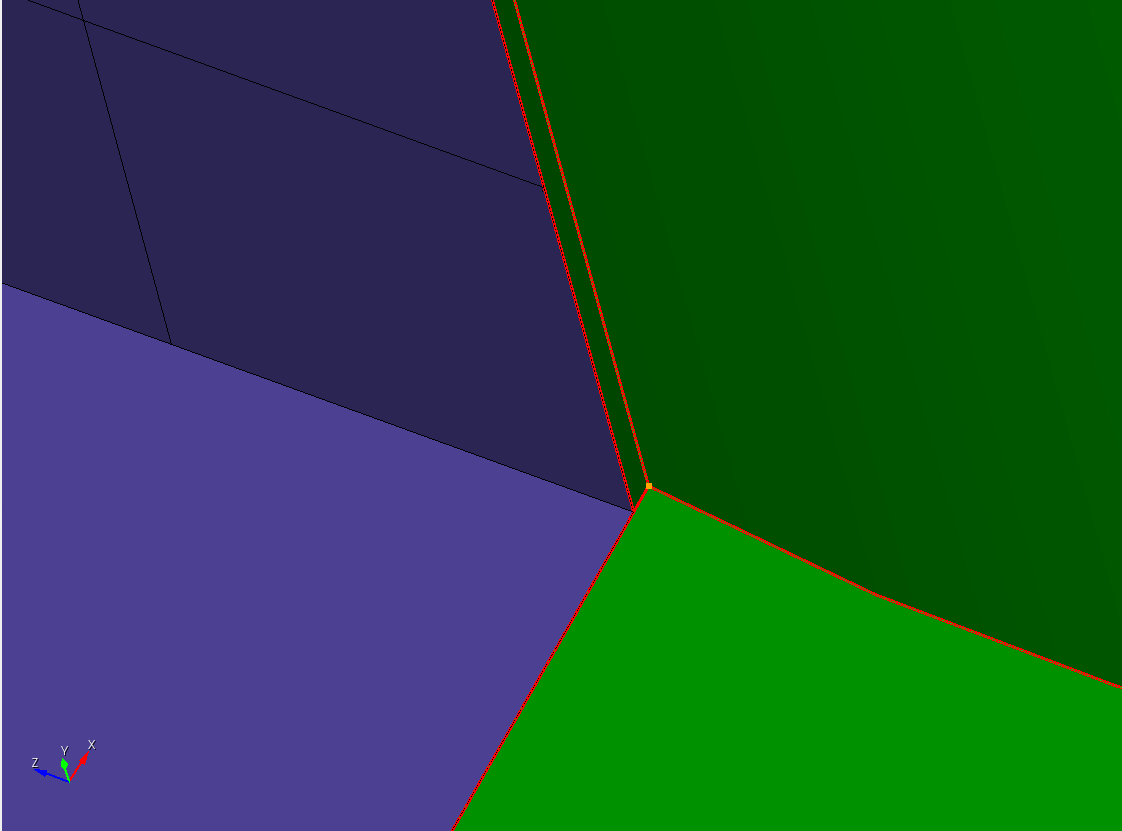
Derived from the knuckle test case, I noticed a step between 2 surfaces (Id 191 and 198 -see screenshot); I tried to use either “tweak surface” or “tweak curve” to merge the curves 334 and 343), but I’m probably using a wrong way: how to proceed?
(I also tried to use the “Power tools” interface)
Sorry for this basic (newby) question.
Thanks for your time
Paul
knuckle2.cub5 (393.5 KB)
You can do a forced merge:
reset
open "C:/Users/greg/Downloads/knuckle2.cub5"
del mesh
merge volume all
merge surface 194 189  force
mesh vol all
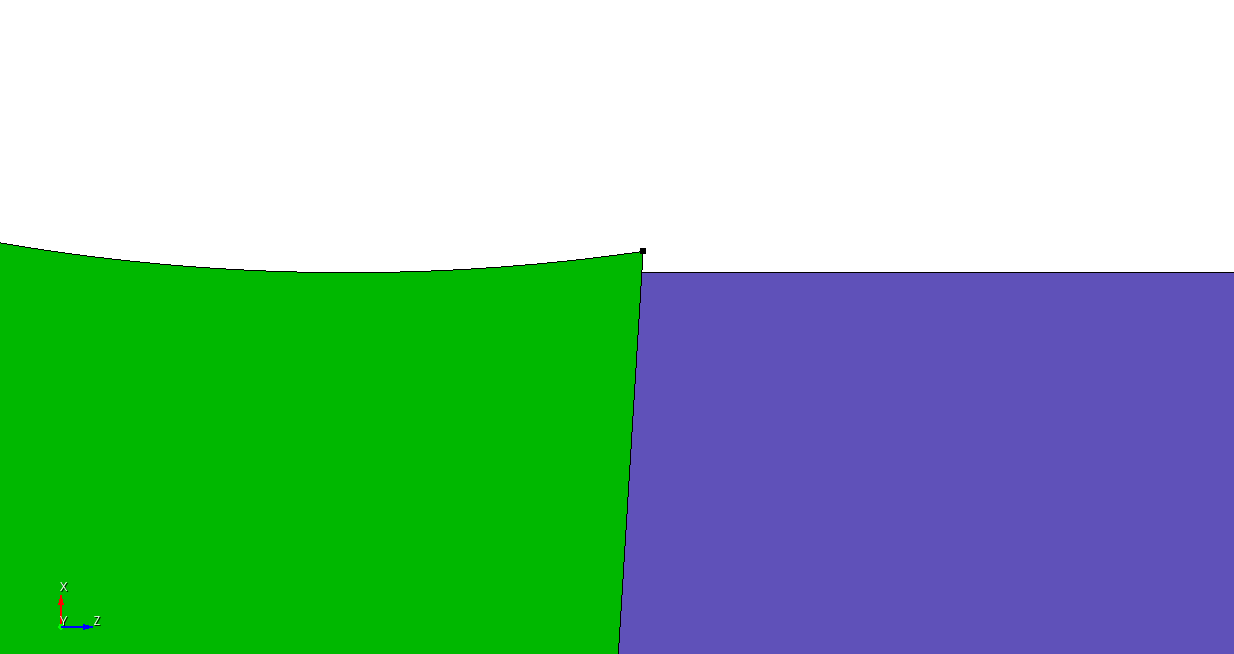
Note that I chose to force merge the surfaces containing those curves, but you could also force merge the curves individually. Also, this is a “virtual geometry” operation.
The geometry:
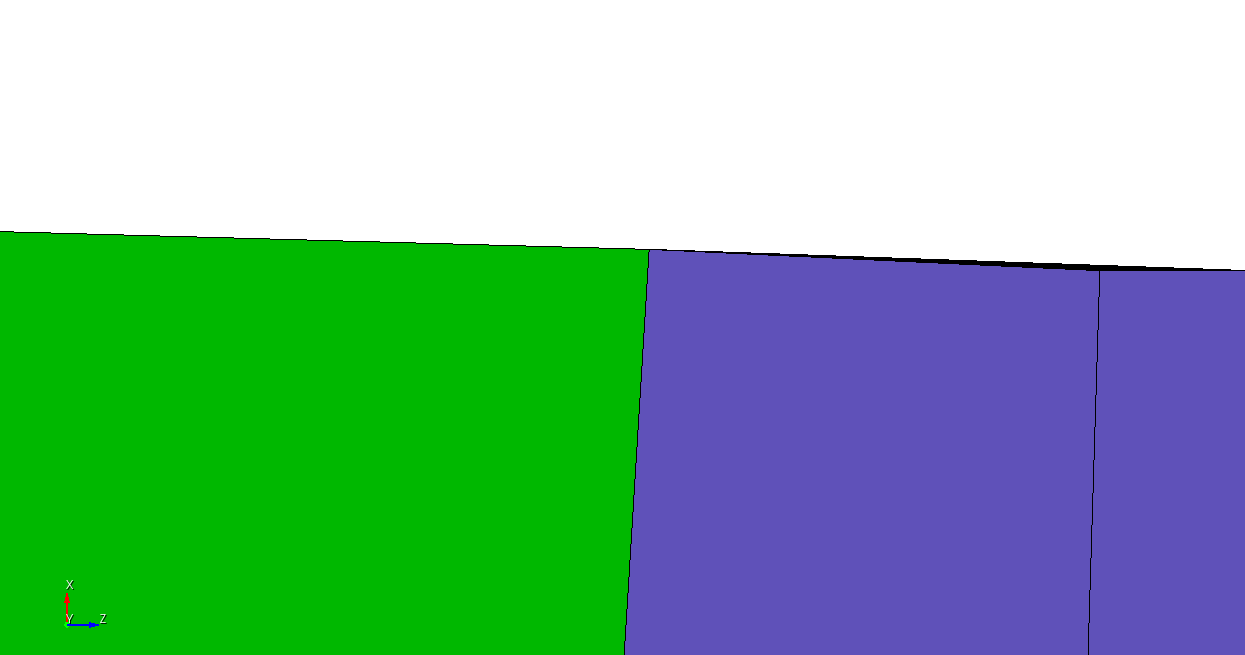
The mesh:
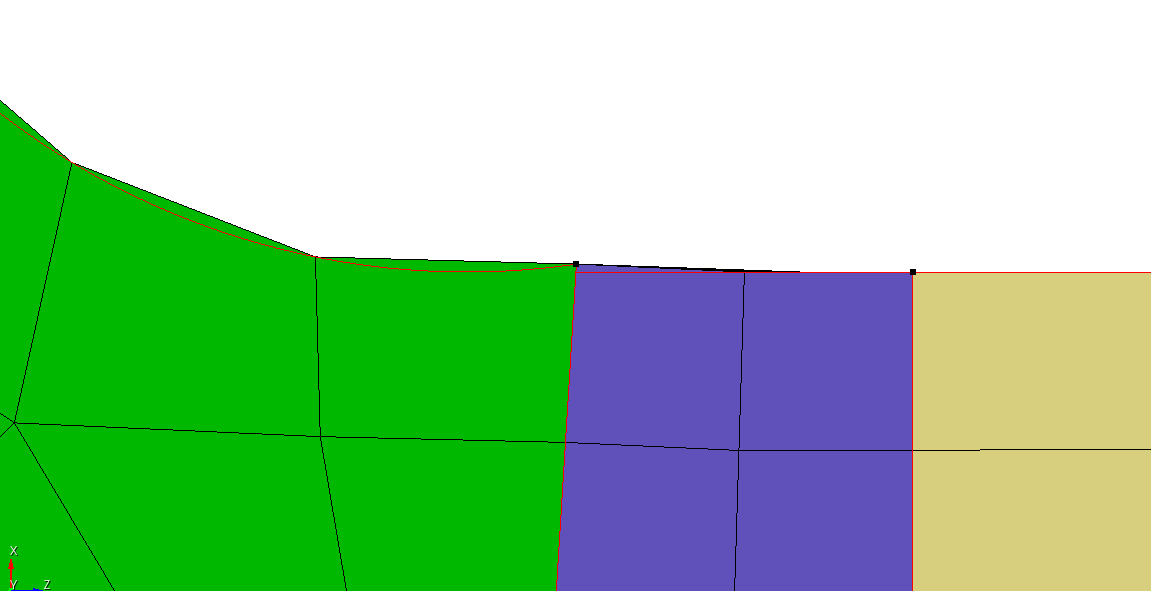
A broader view, CAD curves colored red:
Ok I got it: the 2 surfaces (id 194 and 189) are the “common ones” at the interface between the 2 volumes; while 2 edges seem not to be coincident, the mesh itself is fully conform => meaning of the “virtual geometry” i guess
Thanks for the quick answer and the support
Paul