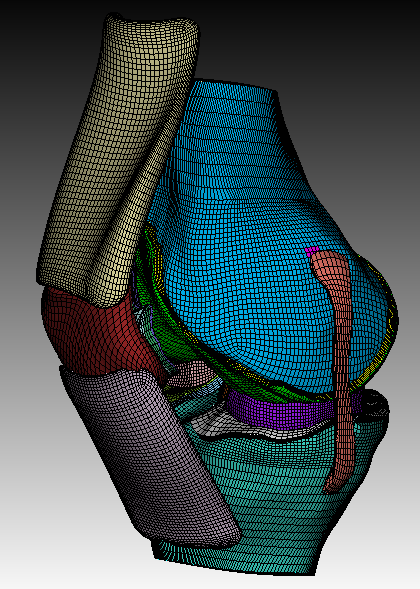
Hi, I previously had a very structured hexahedral mesh of the knee (see image). Now I want to make the mesh conforming between a few of these structures (for example the ligament and the bone or cartilage and bone). Ideally I would not like to change the mesh structure of the ligament or cartilage, but the structure of the bone can change. When loading this into cubit, I cannot use the imprint and merge functions as it is a mesh-based geometry (also not after deleting the meshes).
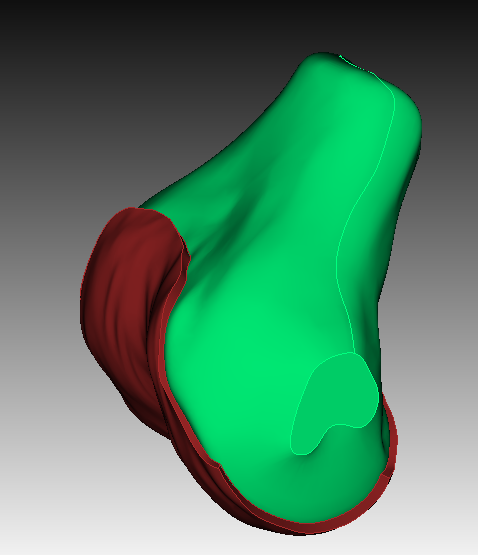
So I tried to proceed by loading the .step files of my structures. First of all, I am then unable to get the very well structured mesh back. I have tried to use sculpt for a bit, but I’m still very new to this software, so I am not achieving any similar results to so far. Secondly, when trying to imprint and merge 2 volumes (see second picture), it is not working. I get some warnings of 'attempting to merge 2 entities with same parent and then it consolidated 0 pair of curves or vertices. I am not sure how I should prevent these warnings or how I can imprint and merge properly. Like I said, I am still very new to this software, so any help and suggestions is very much appreciated.
So I have either one of the following questions.
- How could I make these meshes conforming within the mesh-based geometry?
- How should can I achieve this very well structured mesh within sculpt or any other meshing possibility in cubit?
- How can I properly imprint and merge these volumes?
Hi @renate.janssen,
are you able to share the geometry so that i can take a look?
Hi, yes sure, here you have the step files of the femur and femur cartilage
femur_cartilage.step (862.2 KB)
femur.step (94.8 KB)
Hi @renate.janssen,
could you also share the mesh with me?
Currently the geometry gets imported as sheet bodies. Are they stitched together to a volume?
Yes I have stitched them together.
Hi @renate.janssen,
you would need to do a tolerant imprint here. Spline surfaces often won’t imprint with the standard tolerance.
Afterwards the volumes can be merged and already meshed with sculpt.
reset
import step "femur_cartilage.step" heal
stitch body all no_simplify
import step "femur.step" heal
stitch body 8 9 10 no_simplify
compress

imprint tolerant vol all tolerance 1e-5
merge vol all

vol all size 1e-3
sculpt vol all
draw block all
Getting a mesh like in your picture above can only be done with decomposition of the volumes. I would first check if the sculpt approach is usable. Meshing here by hand can prove quite difficult and time consuming.
Ok, Thank you, is there a way to impose the structured mesh of the cartilage, which I showed previously, onto the femur and then use sculpt to further mesh the rest of the femur bone? For me it is quite necessary to have such a structured mesh especially in the cartilage.
Which element types can your solver handle?
Can you please send me the mesh file that you already got.
The cartilage are hexahedral volume elements and the bone should become quadrilateral surface elements. Unfortunately, I am afraid I’m not able to share, I would just like to know if it is possible to imprint a pre-exisiting mesh onto another part
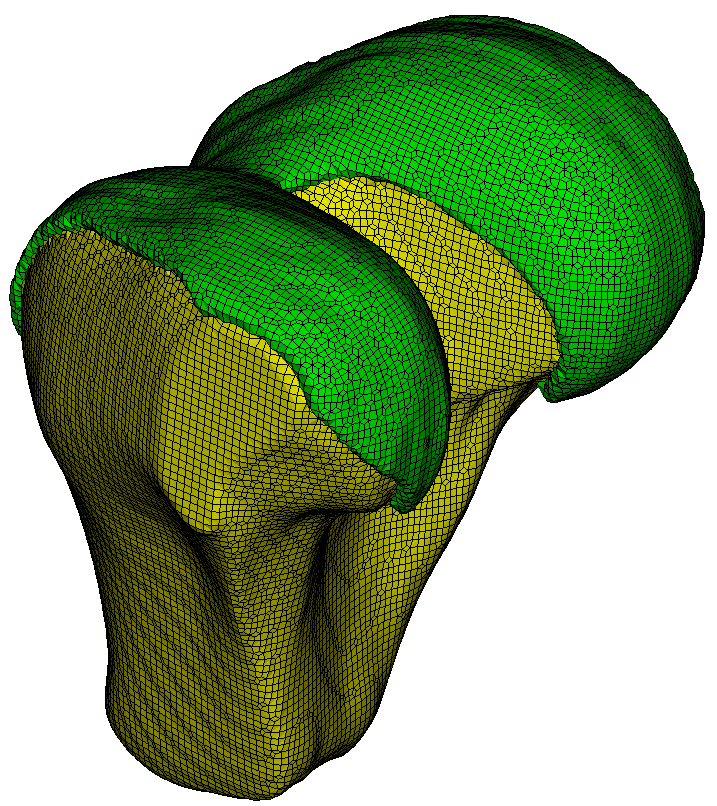
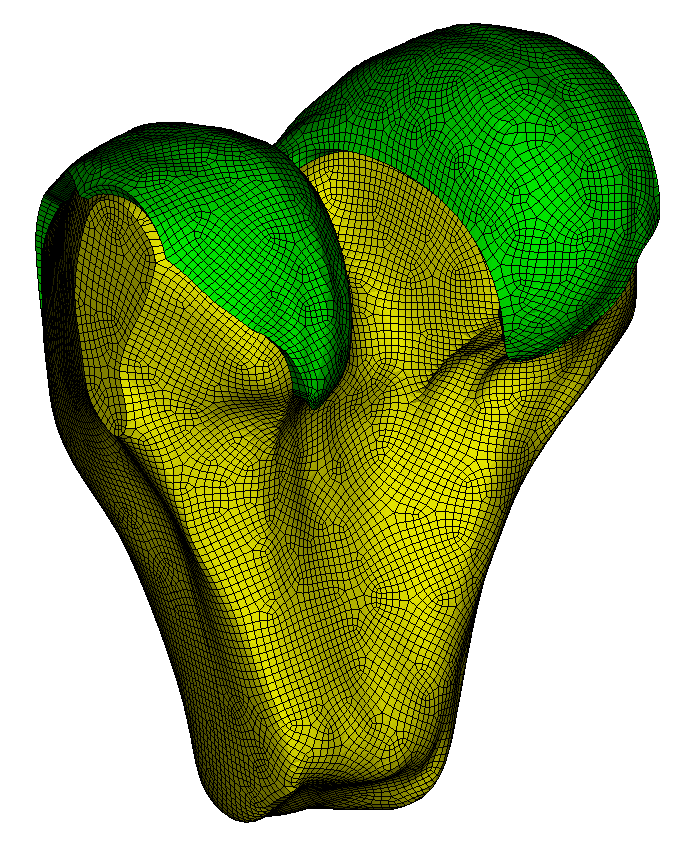
I meshed the cartilage with hexes and only the surfaces of the bone with quads. Does this work for you?
reset
import step "femur_cartilage.step" heal
stitch body all no_simplify
import step "femur.step" heal
stitch body 8 9 10 no_simplify
compress

imprint tolerant vol all tolerance 1e-5
merge vol all

vol all size 1e-3

surface 2 scheme pave
volume 1 redistribute nodes on
volume 1 scheme Sweep  source surface 2   target surface 5  sweep transform least squares
volume 1 autosmooth target on  fixed imprints off  smart smooth on  tolerance 0.2  nlayers 5
mesh volume 1

Surface 7 11 9 scheme pave
mesh surface 7, 9, 11