Hi, Thank you very much  .
.
Since you said ‘a lot of features are not available for faceted geometry’, I exported the STL ground surface as a point cloud.
https://transfer.coreform.com/QWRrFVqiB3/cutter.stl
https://transfer.coreform.com/2SEcIiDUFH/cutter.csv
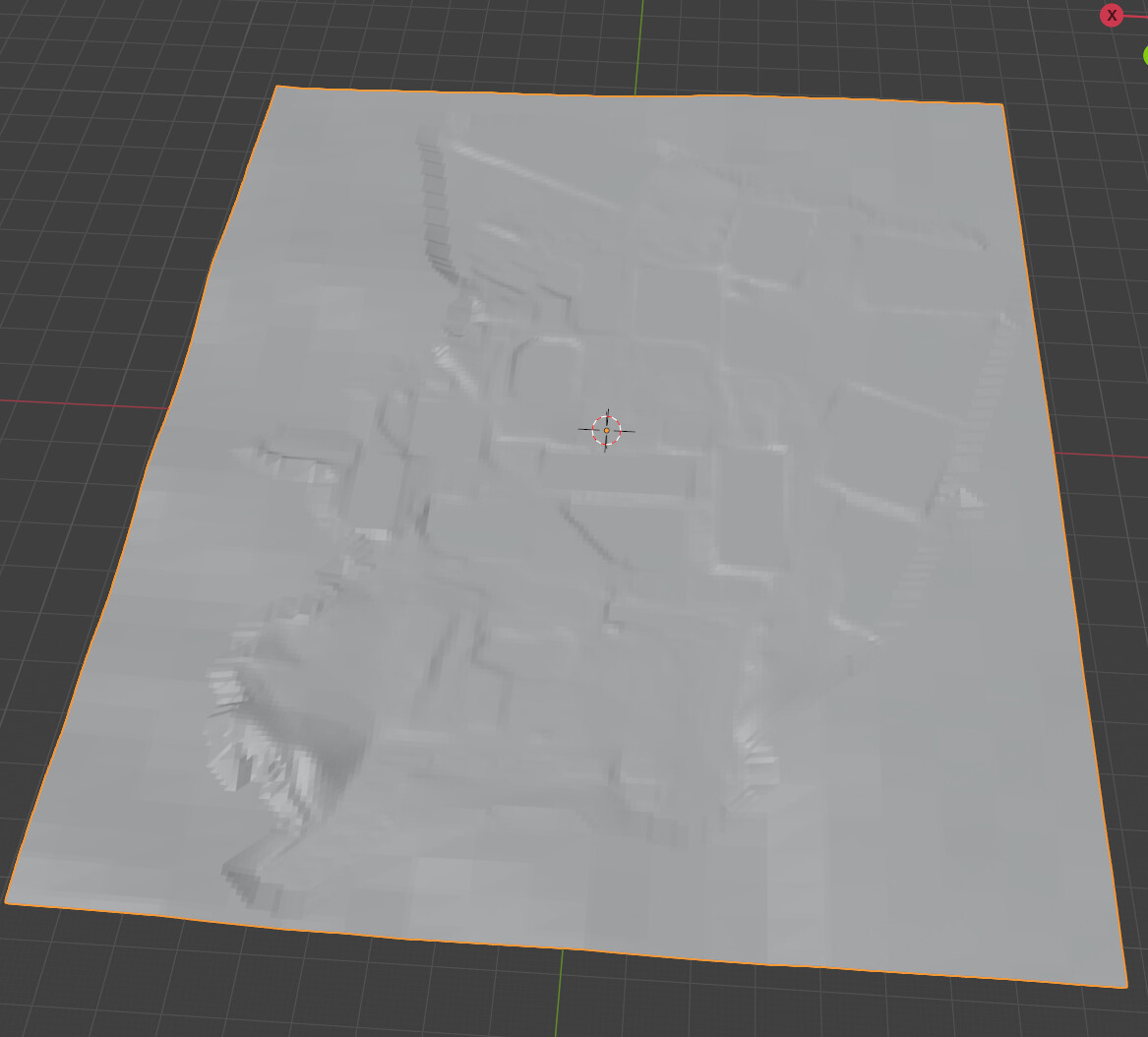
I took inspiration from the introduction in this link: Creating a surface from structured (x,y,z) topography data and meshing it - #3 by gvernon
https://transfer.coreform.com/20D2GIaJQy/skin_surface.py
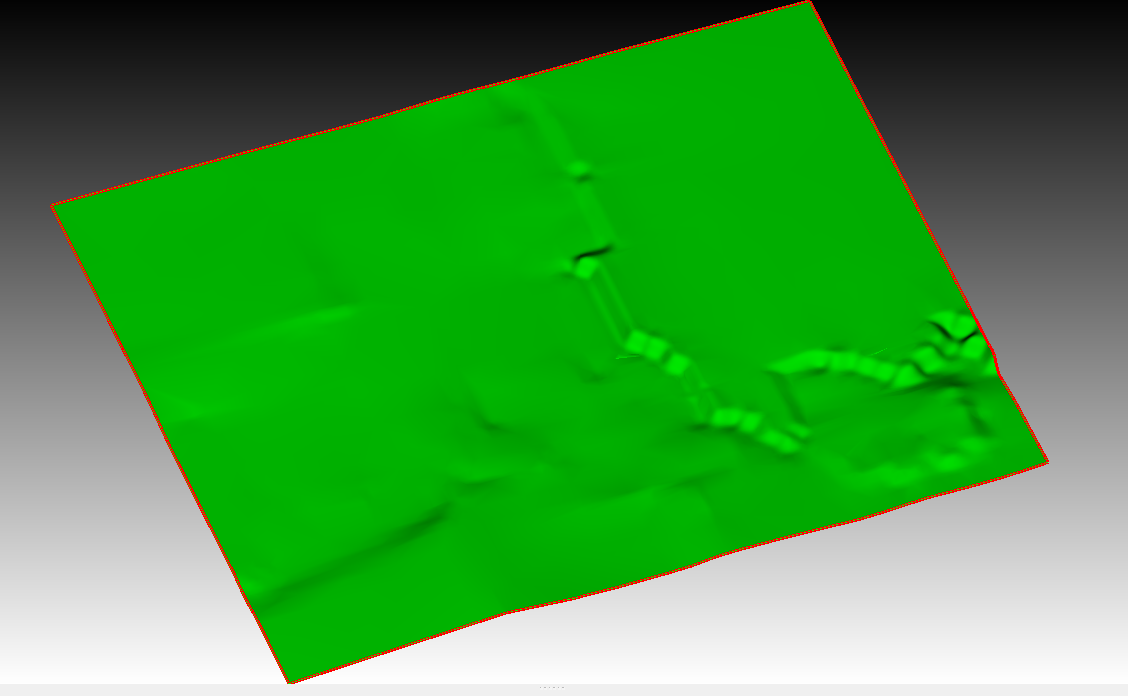
I also tried generating a spline surface in the Y direction, but the accuracy is still quite different from that of the STL.
Using the stitch method:
https://transfer.coreform.com/UuamGglFJx/batch_skin.py
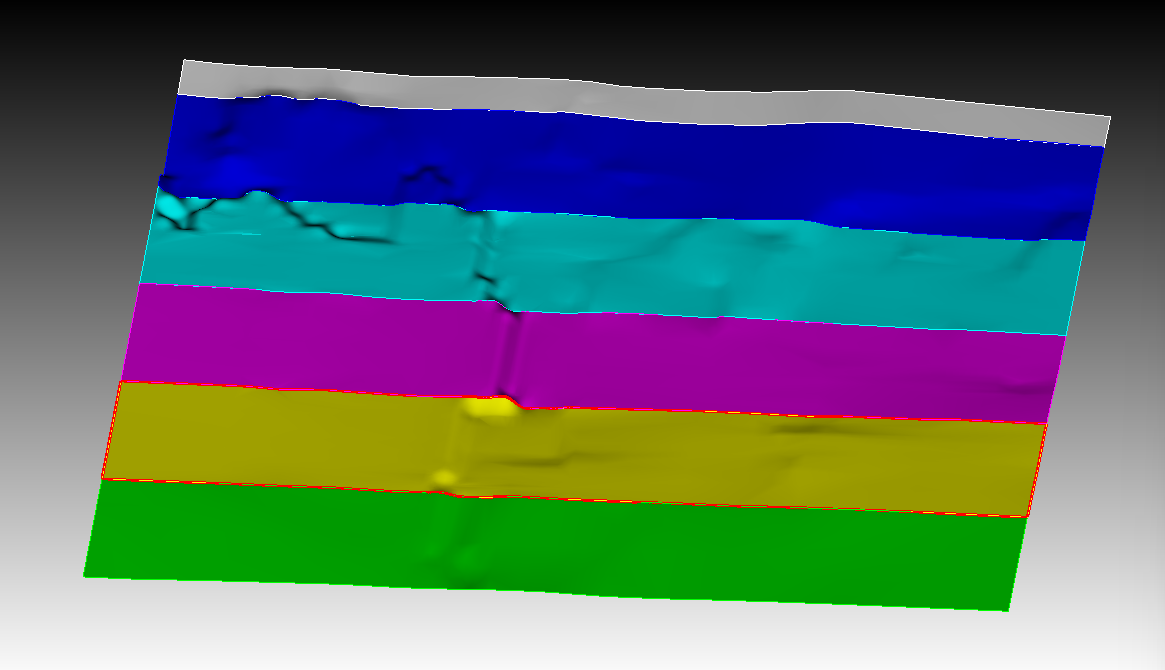
In order to obtain a ground surface with the same accuracy as the STL, I also tried the following:
https://transfer.coreform.com/QOSAOlmoCE/cutter_vertex.jou
https://transfer.coreform.com/DB842VXfdk/cutter_uv.jou
https://transfer.coreform.com/RnFI5neUFz/cutter_node.jou
https://transfer.coreform.com/wGrHiqSSQe/cutter_geom.jou
And also:
https://transfer.coreform.com/XaPf8XEMbd/cutter.inp
import abaqus mesh geometry "D:\SPECFEM\trial\5-2cutter\cutter.inp" no_geom
create mesh geometry surface all feature_angle 135
The S4 shell element has a front side and a back side, each generating a surface.
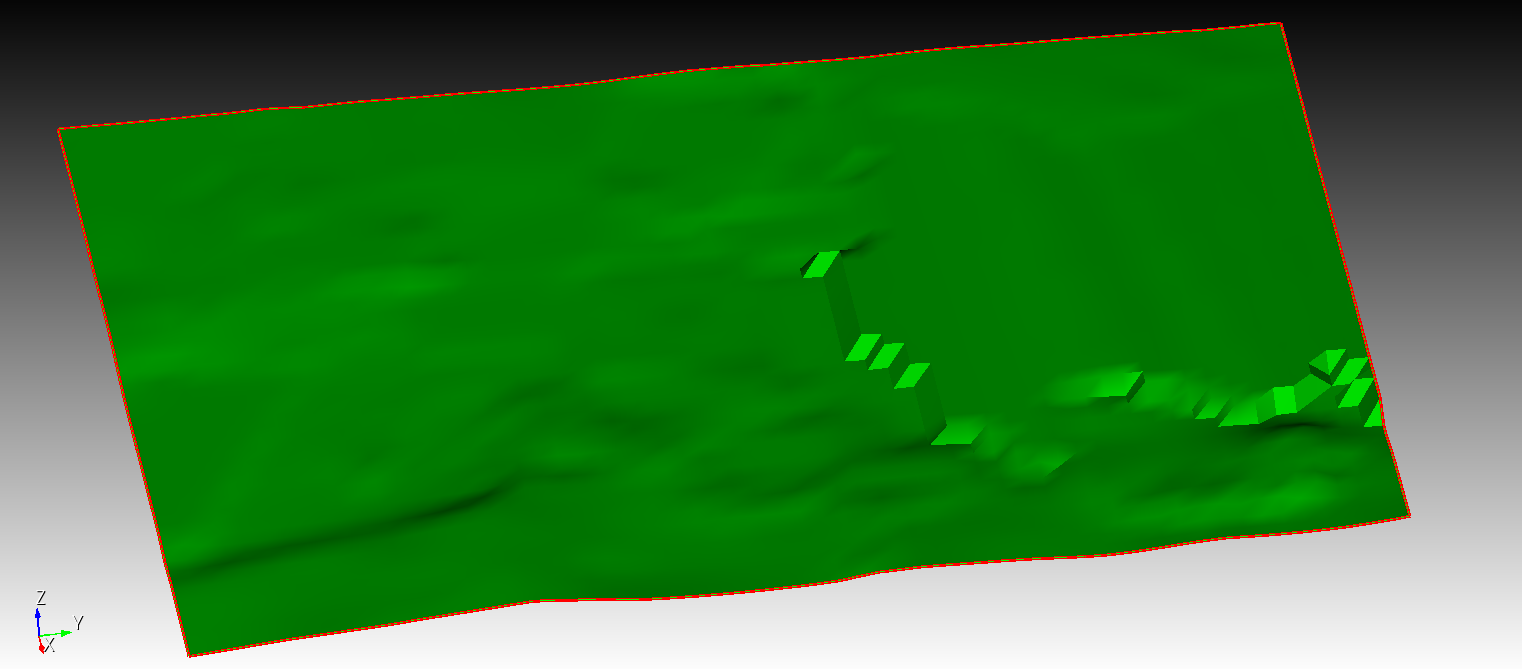
There are two issues here: perhaps the results I exported from the STL point cloud are inaccurate and not very consistent with the STL. Also, the ground surface is stitched together from different precisions and has a steep slope — I’m not sure if it can be flattened in Cubit.
For better testing, I am uploading a complete STL file.
https://transfer.coreform.com/0oW1M3BjAt/merged_aligned.fbx
If you need anything else, I’m always here.