Dear Cubit community,
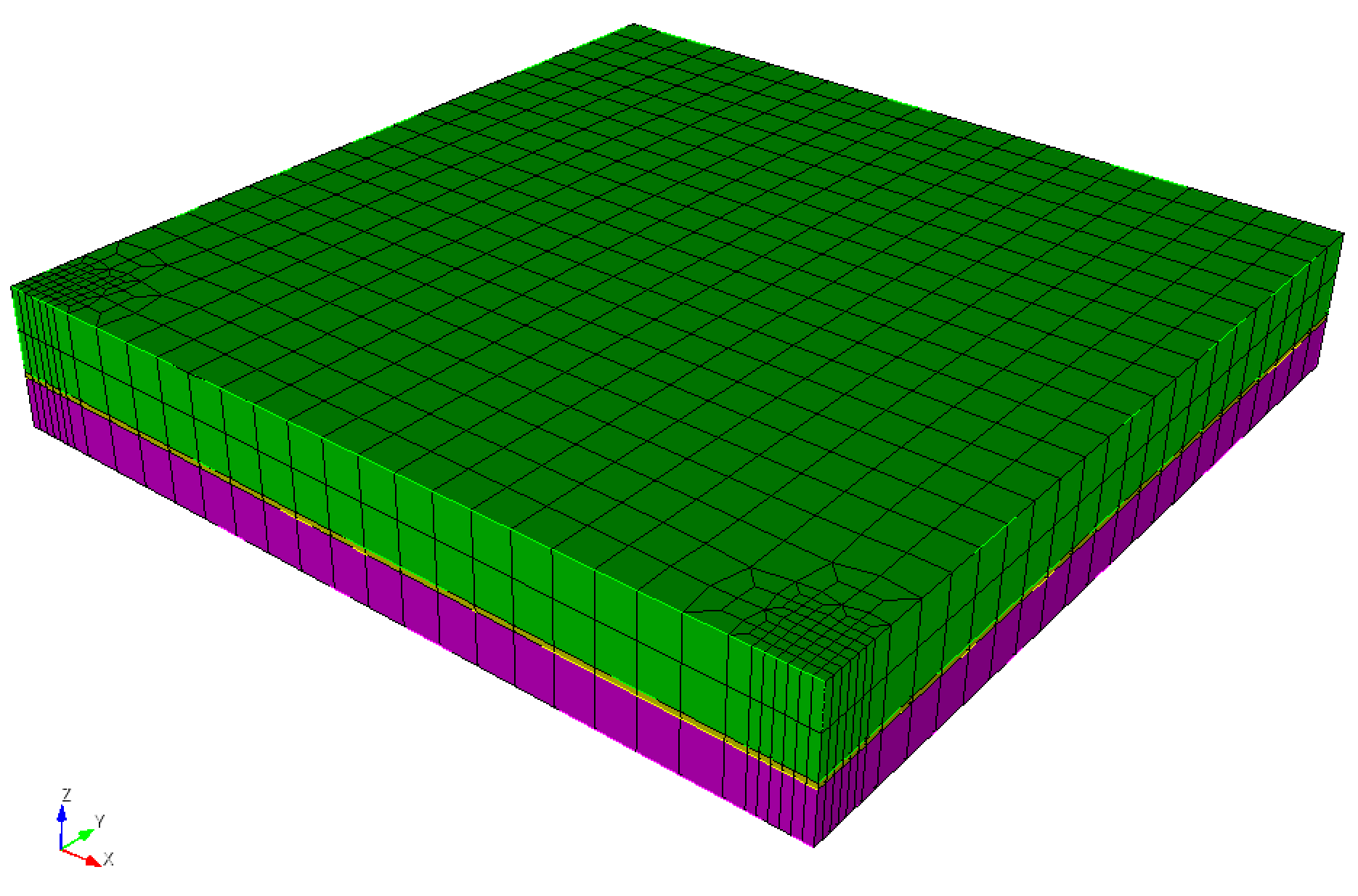
I am using Coreform-Cubit 2025.8 on Windows. I have three bricks in my geometry, and one of them (the middle one) is very thin. I want to refine two parts of my mesh, but the issue is that the refinement density in the z direction is much higher than in the x and y directions. Is there any way to make the refinement pattern anisotropic? I want to have a higher density of refinement in the x and y directions because in the z direction I already have a high density of nodes. My mesh (after the refinement) looks like this:
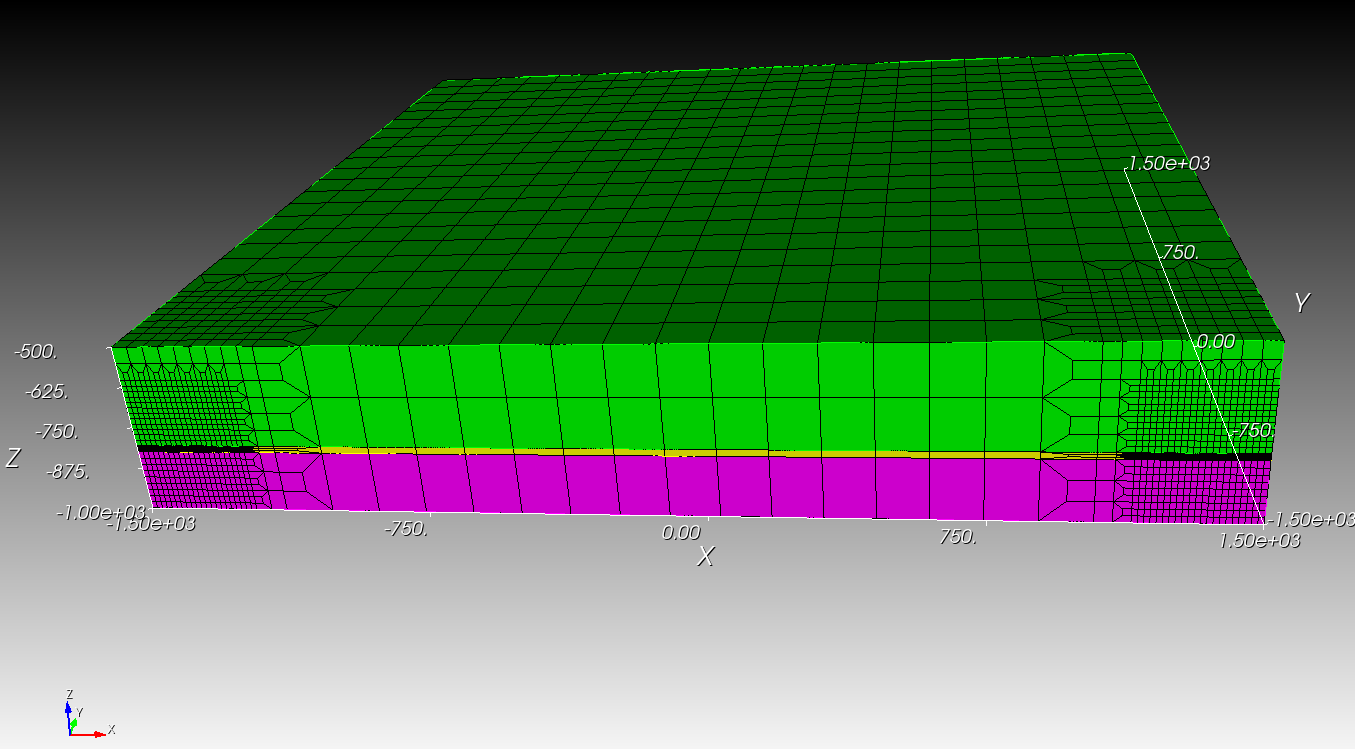
And here is the script to reproduce the mesh:
#!cubit
reset
brick x 3000 y 3000 z 500
move Volume 1 z -750 include_merged
webcut volume 1 with plane zplane offset -800
webcut volume 2 with plane zplane offset -820

imprint vol all
merge vol all
volume all size auto factor 5
mesh vol all
refine hex 990 969 numsplit 2 bias 1.0 depth 1

mesh vertex all
I very much appreciate any help.
Cheers
Ali